
Add your first statement
Bring in everyday spending and check your transactions.
Import guide →Follow everyday cash flow, investments and your business books in one calm, local-first experience. Review the details, plan ahead and stay in control.
Free to get started. No bank connection or registration required for local use.
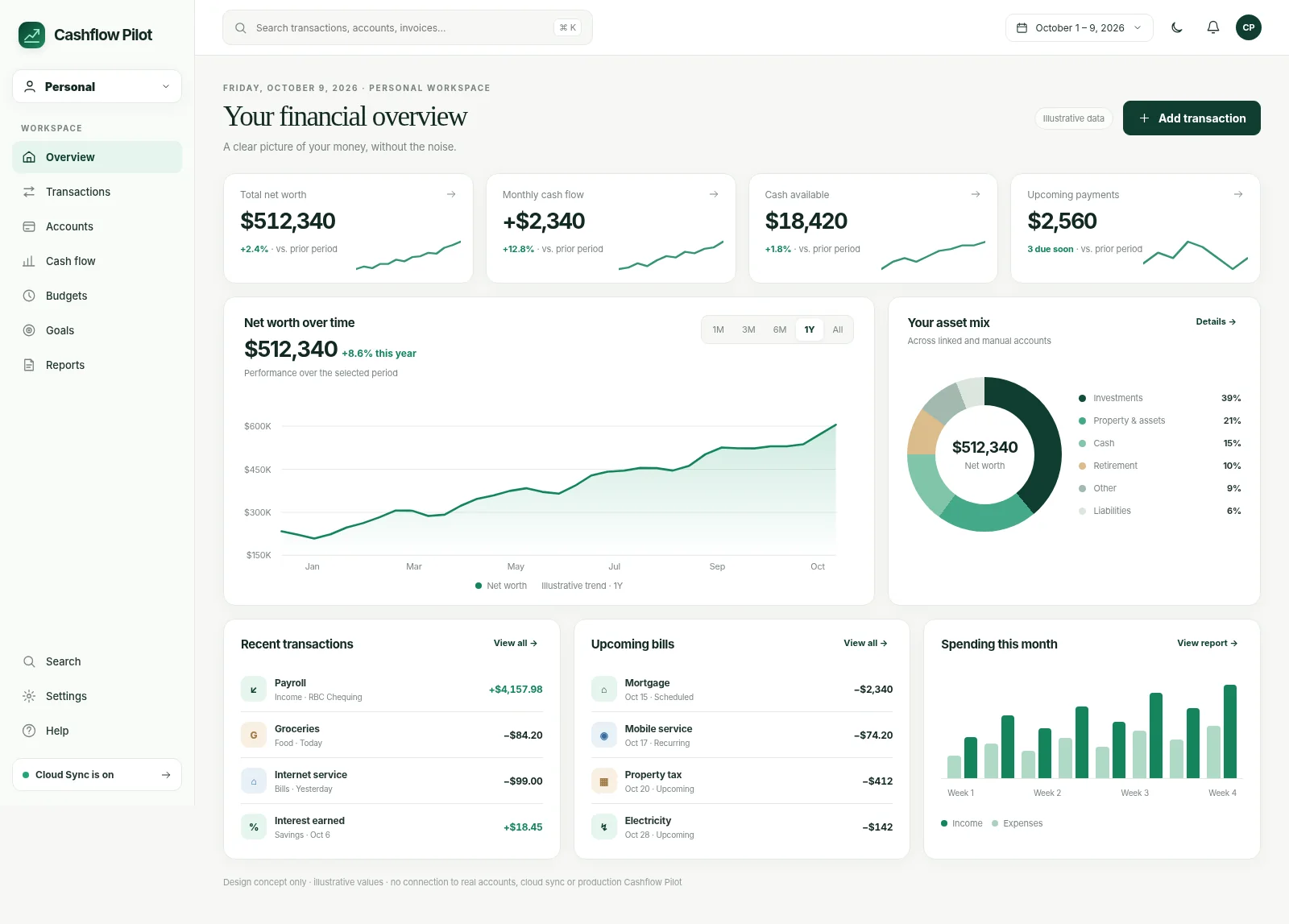
October 2026 workspace design concept · Illustrative numbers, not live account data.
Use Cashflow Pilot to understand spending, track investments and manage business records without a Cashflow Pilot subscription. New improvements keep arriving as the product evolves.
Explore Personal, Portfolio and Business without paying for an app plan.
New features and refinements are being developed and released regularly.
See recent improvements →Optional third-party bank connection providers may charge their own fees.
Keep personal spending, investment accounts and business books organized in distinct views, without losing the larger picture.
Transactions, budgets, bills and forward-looking cash flow. Explore Personal →
Explore every Personal feature →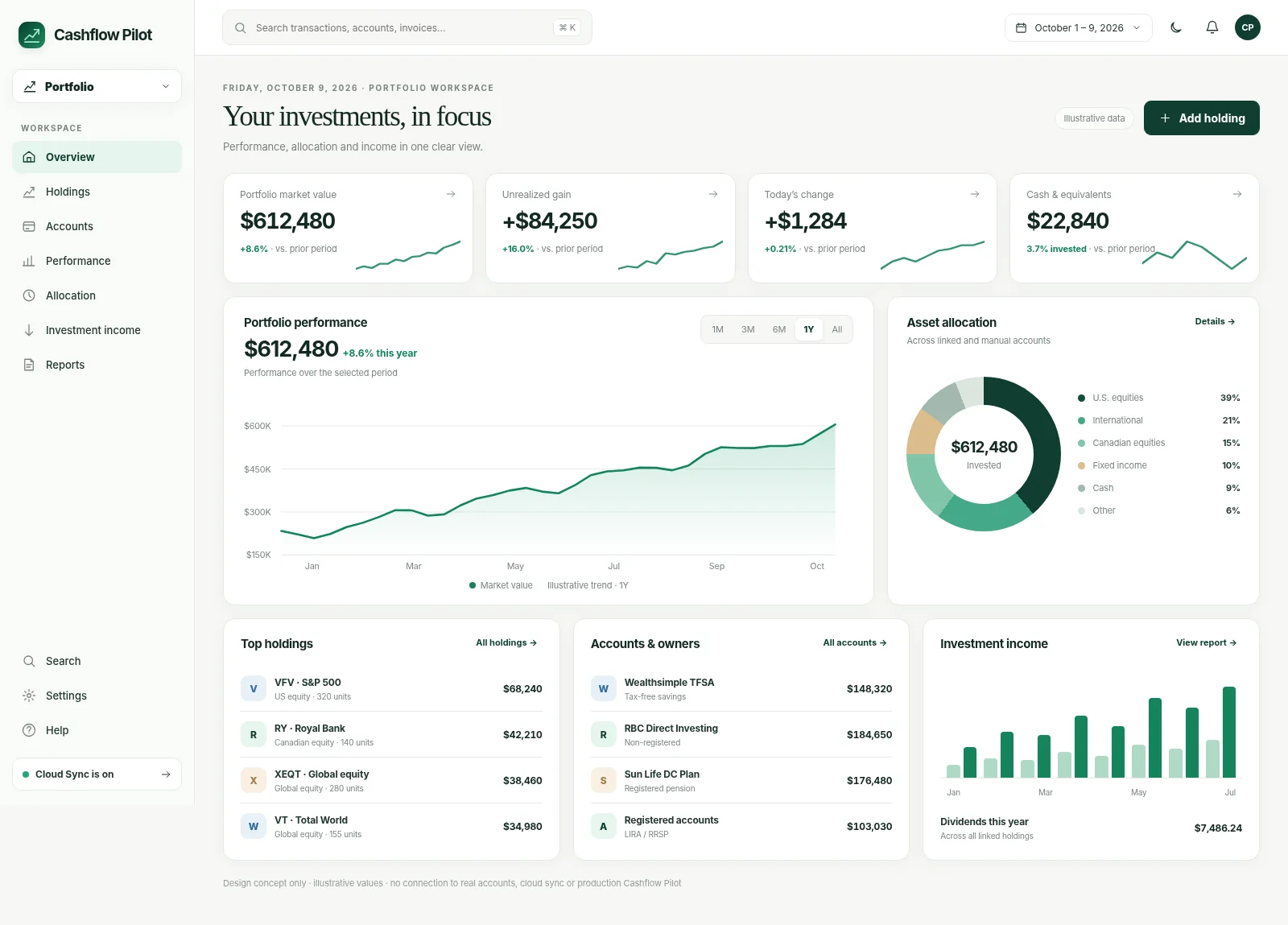
Holdings, account and owner values, history and investment income. Explore Portfolio →
Explore every Portfolio feature →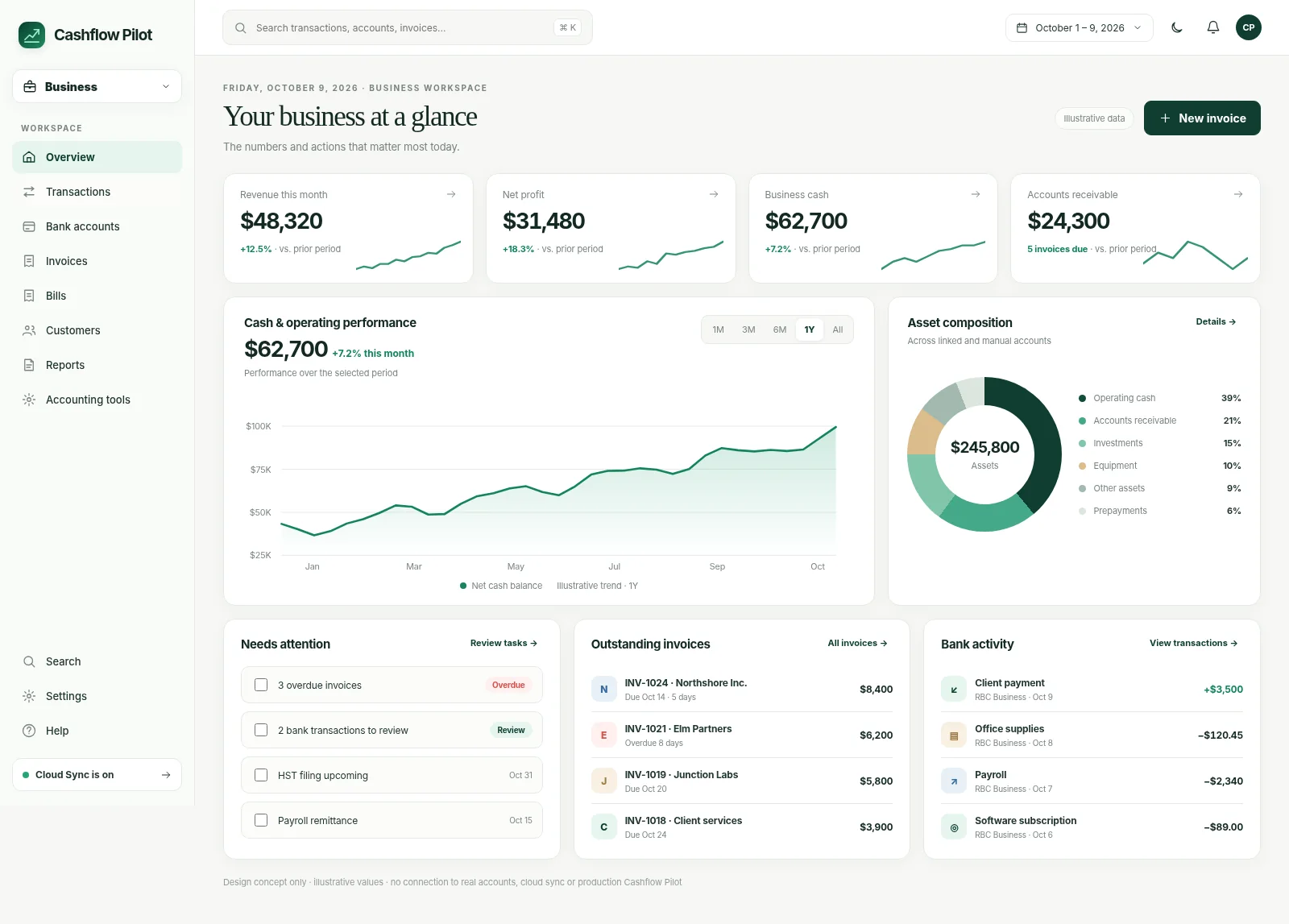
Invoices, journals, reconciliation, Canadian payroll and accountant work. Explore Business →
Explore every Business feature →These three visuals are design concepts based on the October 2026 dashboard redesign and contain illustrative data.
Follow the practical steps for Personal, Portfolio and Business. Real app screenshots will replace the clearly marked preview spaces once they are ready.
You don’t need to set everything up at once. Pick a task and see how Cashflow Pilot can help.
Bring in everyday spending and check your transactions.
Import guide →Put holdings and account values in one place.
Portfolio guide →Add your business and begin organizing your records.
Business guide →We’re building around real money routines rather than another crowded dashboard. Create your own arrangement of widgets and focus on the work that needs attention.
See recurring income, expected bills and projected balances—not just a month-end spending chart.
Import previews, corrections, rules diagnostics and review states make financial data easier to trust.
Work from bank activity to invoices, balanced journals, accountant packages and Canadian payroll workpapers.
Whether you’re importing your first statement or reconciling business books, our growing help centre explains the workflow and its safeguards.
Add your first money account, bring in records and understand your dashboard. You can start without registering.
Read guide →Understand supported formats, matching, duplicates and currency handling.
Read guide →Know the difference between a local backup and optional Cloud Sync.
Read guide →Start without linking accounts. Financial data stays local unless you enable optional Cloud Sync. Banking and brokerage connections are optional, use third-party providers, and are managed separately from normal synced financial records.
Work with records on your device and export them. Cloud Sync is a separate opt-in capability.
Import supported statements yourself. If bank connections are offered in your app, you can choose to use one; coverage and any third-party fees vary.
Accounting locks, transaction review and backup tools encourage deliberate financial changes.
A Cashflow account, optional financial-record synchronization, third-party bank connections and saved backup files all serve different purposes. Learn what moves between devices and what deliberately stays local.
Straight answers about the product and its limitations.
No. You can import supported bank and credit-card statements. If an optional connection is shown in your app, you can choose to set it up; not every bank or account is supported.
Yes. You can work with local data without an account. Registration enables account-related features; Cloud Sync is optional.
Yes. The Portfolio workspace supports holdings, account values, history and owner-level views. Supported imports and optional connectors may help update data.
No. Business provides bookkeeping, review and accountant handoff tools, but you remain responsible for verifying records and tax filings with qualified professionals.
Cashflow Pilot is local-first. Financial data can remain on your device, with optional Cloud Sync for supported records when enabled.
Purpose-built guides, without adding complexity to the front page.
Use Cashflow Pilot locally, then add the workflows and integrations that make sense for you.